
ADR Master and Cue Pro — unified in one powerful application.
Switch between standalone Media Mode and Pro Tools Integrated Mode with a single license.
Available in Edit or Studio Compare editions

Cue Pro 26 brings together ADR Master and Cue Pro into a single application. Switch between two modes at any time — with one license.
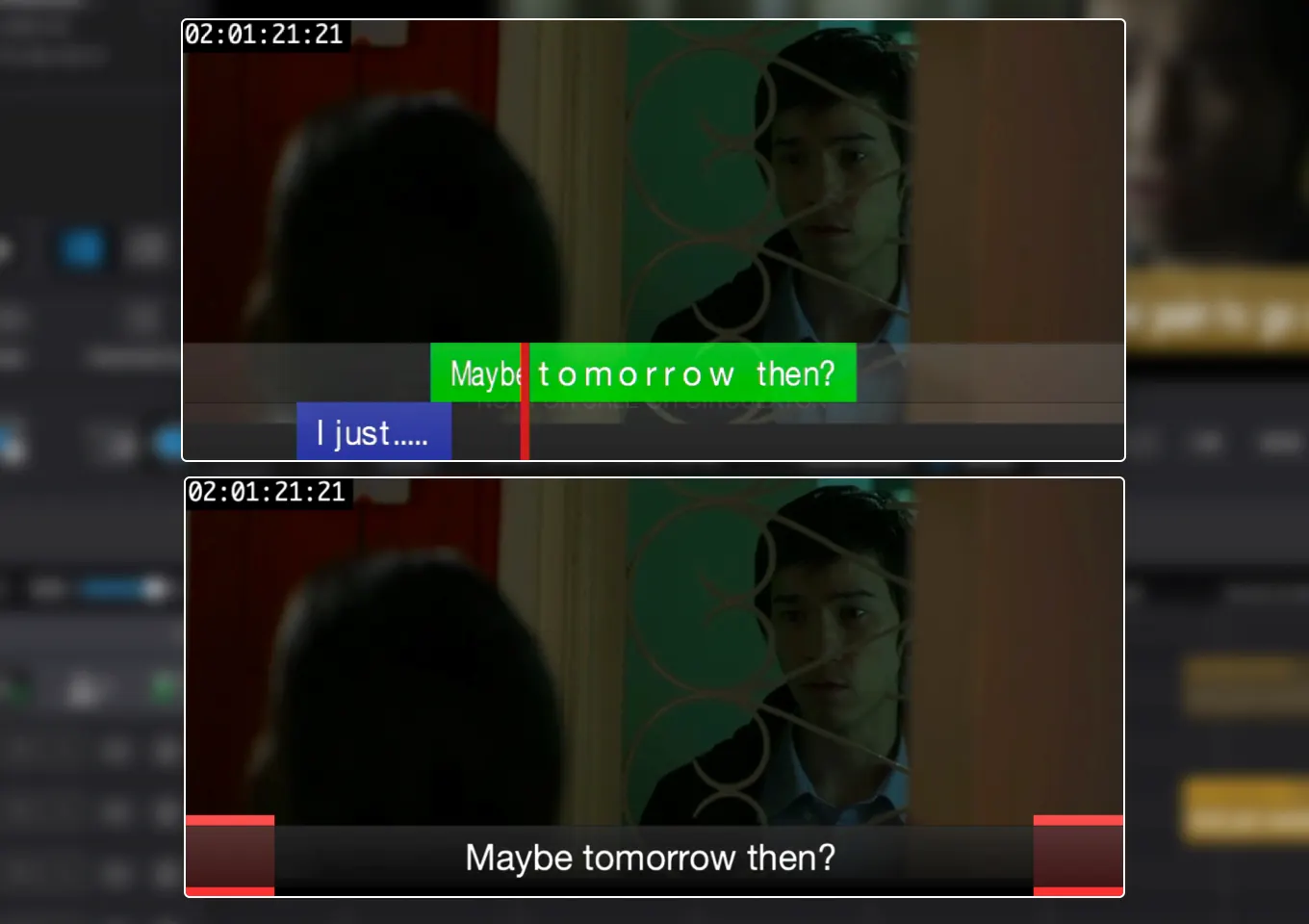
Whether you're spotting ADR or dubbing into another language — Cue Pro 26 has you covered.

CueLink puts live cue sheets in any browser on your studio network — phones, tablets, laptops.
Every edition includes read-only access.

Word exports are tuned for foreign-language translation and re-import automatically once translated.
The full ADR Master Studio recording workflow, now in both Media and Integrated Mode — with dedicated Rehearse, Record, and Review stages for every cue.

Picture re-cuts can be dealt with effortlessly using The Cargo Cult's Matchbox 2. It reconforms your audio in Pro Tools and your ADR cues directly in Cue Pro 26, keeping everything in sync with the latest cut.
Matchbox 2 offers a dedicated reconform mode for Cue Pro. Just select your Timeline, launch the reconform from Matchbox, and Cue Pro takes care of the rest in seconds — no manual prep work required.
After reconforming, quickly compare cue positions between old and new cuts through Matchbox — jump between matching moments instantly to streamline cleanup.
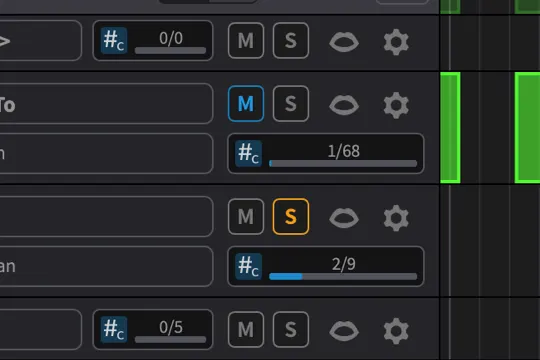
Mute or solo individual character tracks to focus on specific roles during editing and review.

Stay in sync with Pro Tools memory locations — see where cues are without switching applications.

Assign thumbnail images per character track for quick visual identification of roles during editing and recording.
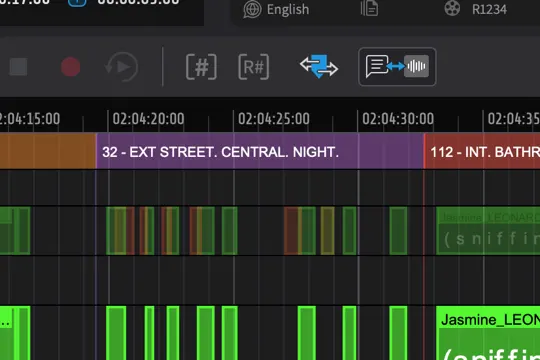
Organize cues by scene with dedicated scene tracks for structured project management across large productions.

Detect shot changes from the video automatically or import them from an EDL.
Import and export TTAL 2.1 files for Netflix-compatible cue sheet exchange.
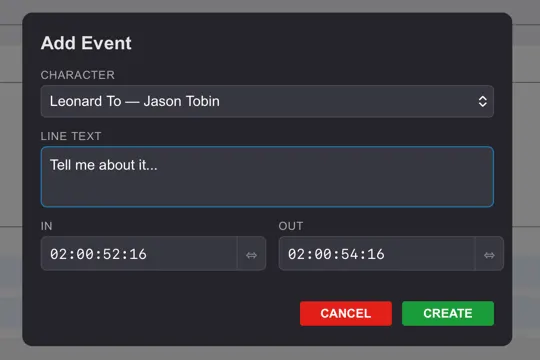
Create new events directly from CueLink on any networked device.

Expanded controls for DAW integration, routing, and session behavior.
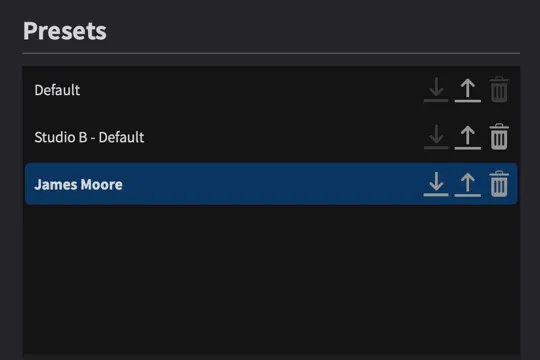
Save and recall overlay configurations as presets for quick switching between different session setups.
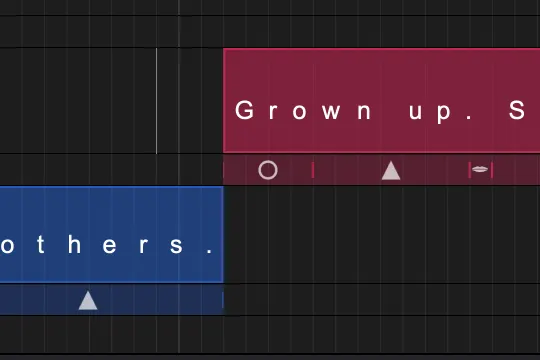
Display detection symbols like mouth open or closed directly in the timeline.

Additional properties available for ADR Cue events, with import and export support.

Automatic timed backups of every project so a session can always be recovered.
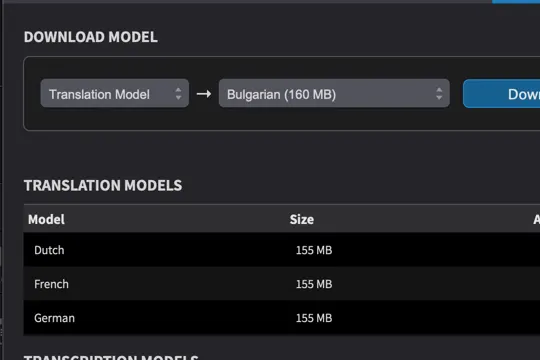
Offline translation capabilities for foreign-language dubbing workflows.

Transcribe recorded takes directly inside Cue Pro — no external service required.

Smoother on-screen rendering for cleaner overlay playback during sessions.

Adjustable audio guide track that adapts during ADR recording for cleaner reference playback.
| Edit | Studio | |
|---|---|---|
| Workflow & modes | ||
| Media Mode — standalone with own video engine, MTC/Satellite Link sync | ||
| Integrated Mode — Pro Tools integration with Cue Pro Connect | ||
| Store project data directly in Pro Tools session | ||
| Timelines for multi-language cue management | ||
| Pro Tools Memory Location sync | ||
| Reconform cues with Matchbox 2 | ||
| Overlays & visual events | ||
| Timecode/Feet and Frames overlay | ||
| Marker/Streamer/Flutter events | ||
| ADR Cue events | ||
| Trigger visual events through MIDI notes | ||
| Rhythmo Bande overlay mode for dubbing and lip sync | ||
| Dialogue editing & recording | ||
| One event track per character for graphical editing | ||
| Rich text formatting (bold, italic, underline, strikethrough, color) | ||
| Capture event boundaries from Pro Tools selection | ||
| Trim event boundaries while scrubbing in Pro Tools | ||
| Live Events to Rehearse/Record/Review cues | ||
| Record/Rehearse/Review ADR Cue events with Pro Tools | — | |
| Track mute/record matrix for fine-grained track control in Pro Tools | — | |
| Pro Tools track naming when recording | — | |
| Pro Tools transcription match for as-recorded verification | — | |
| CueLink | ||
| CueLink read-only access via web browser | ||
| CueLink read and write access | — | |
| CueLink Scribble Mode for actor annotations | ||
| CueLink Timeline View for editing cues on character tracks | — | |
| CueLink API for custom integrations | — | |
| Importing visual events | ||
| Visual event import from CSV files | ||
| Visual event import from SRT/STL subtitle files | ||
| Visual event import from Pro Tools Session Info text files | ||
| Visual event import from Microsoft Excel files | ||
| Visual event import from Netflix TTAL files (including latest 2.1) | ||
| Script import from Microsoft Word documents | ||
| Script import from PDF files | ||
| Automated re-import from ADR Master exported Word documents | ||
| Exporting visual events | ||
| Export visual events as CSV files | ||
| Export visual events as Netflix TTAL files | ||
| Export visual events as Microsoft Excel files | ||
| Export visual events as PDF file with different layouts | ||
| Export visual events as Microsoft Word document with different layouts | ||
| Export ADR Overview Sheets as PDF file | ||
| Export Scheduling File (Sesam or Arendis format) | ||
| Video playback (Media Mode) | ||
| Support for all common codecs and containers | ||
| Direct video playback — no copies required | ||
| Synchronized playback using MTC or Avid Satellite Link | ||
| Playback of MXF container files (OP1A and OPAtom) | ||
| Video device support (Media Mode) | ||
| Blackmagic device support with output resolutions up to Full HD | ||
| Blackmagic/AJA device support with output resolutions up to 4K | ||
| Support for two external (Blackmagic or AJA) devices at a time | — | |
| Projection Delay Compensation for every output device | ||
| Optional NDI video device for video over IP | ||
| Video reference/genlock support | ||
| Mac | Windows | |
|---|---|---|
| Supported OS | macOS 13.7 Ventura and later | Windows 10 22H2 or later, Windows 11 22H2 or later |
| CPU | Intel i5 or greater, Apple Silicon M1 or greater | Intel i5 (8th gen or later), AMD Ryzen |
| RAM | 8 GB or more | 8 GB or more |
| Graphics | Metal compatible GPU | AMD R or RX series and later or NVIDIA Series 700 and later |
Upgrade to Cue Pro 26 at a discounted rate from your account.
Free 30-day demo, no credit card required.
Everything you need to get started and master Cue Pro 26.
Cue Pro is delivered directly to your iLok account. Please enter your iLok account name so we can deposit the license once your purchase is complete.