Video Sync 6
Synchronized Video Playback

Video Sync 6

The industry-leading DAW-synchronized video player — trusted by post-production, scoring, and live music professionals since 2012.

Available in Standard or Pro Compare editions
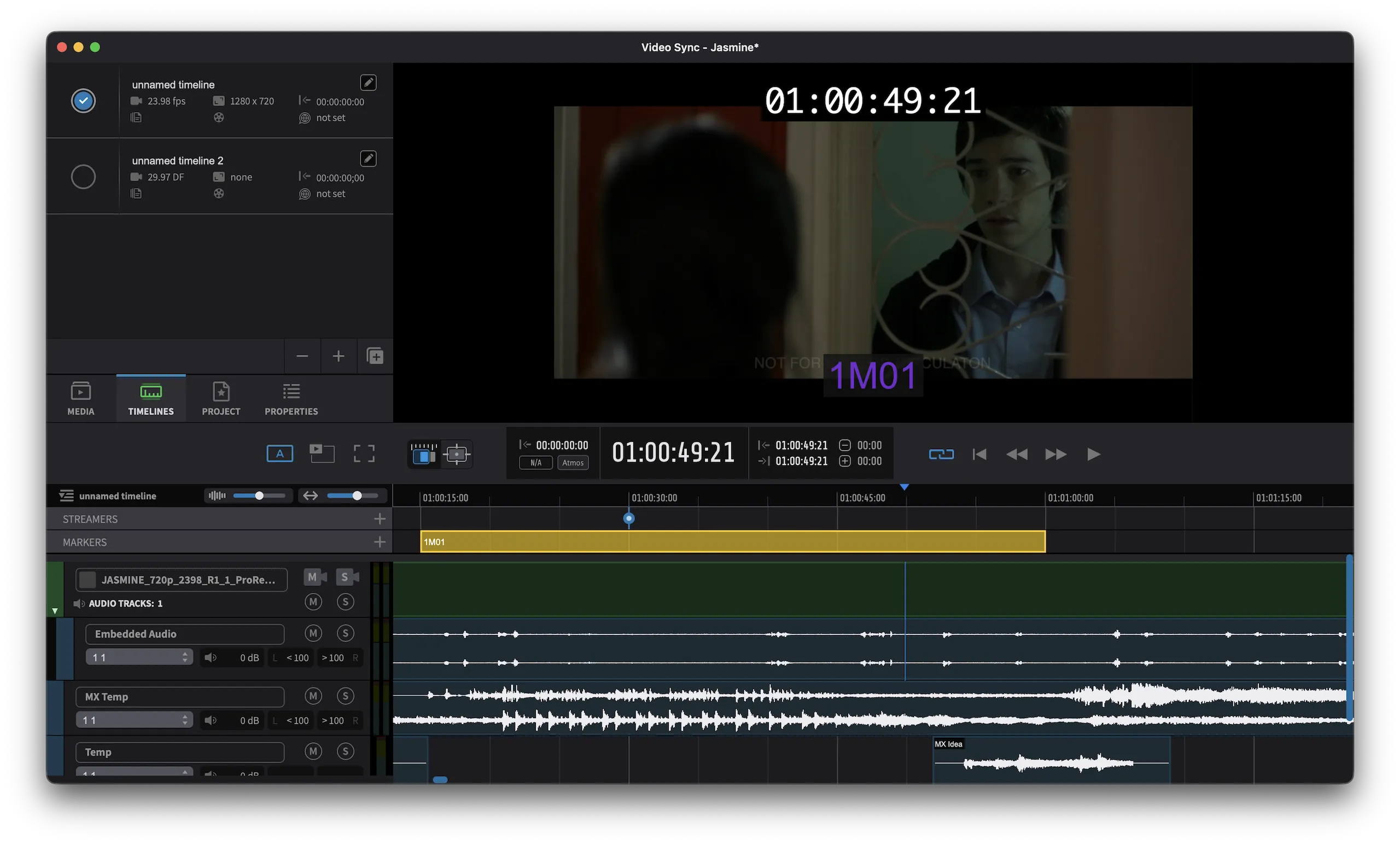
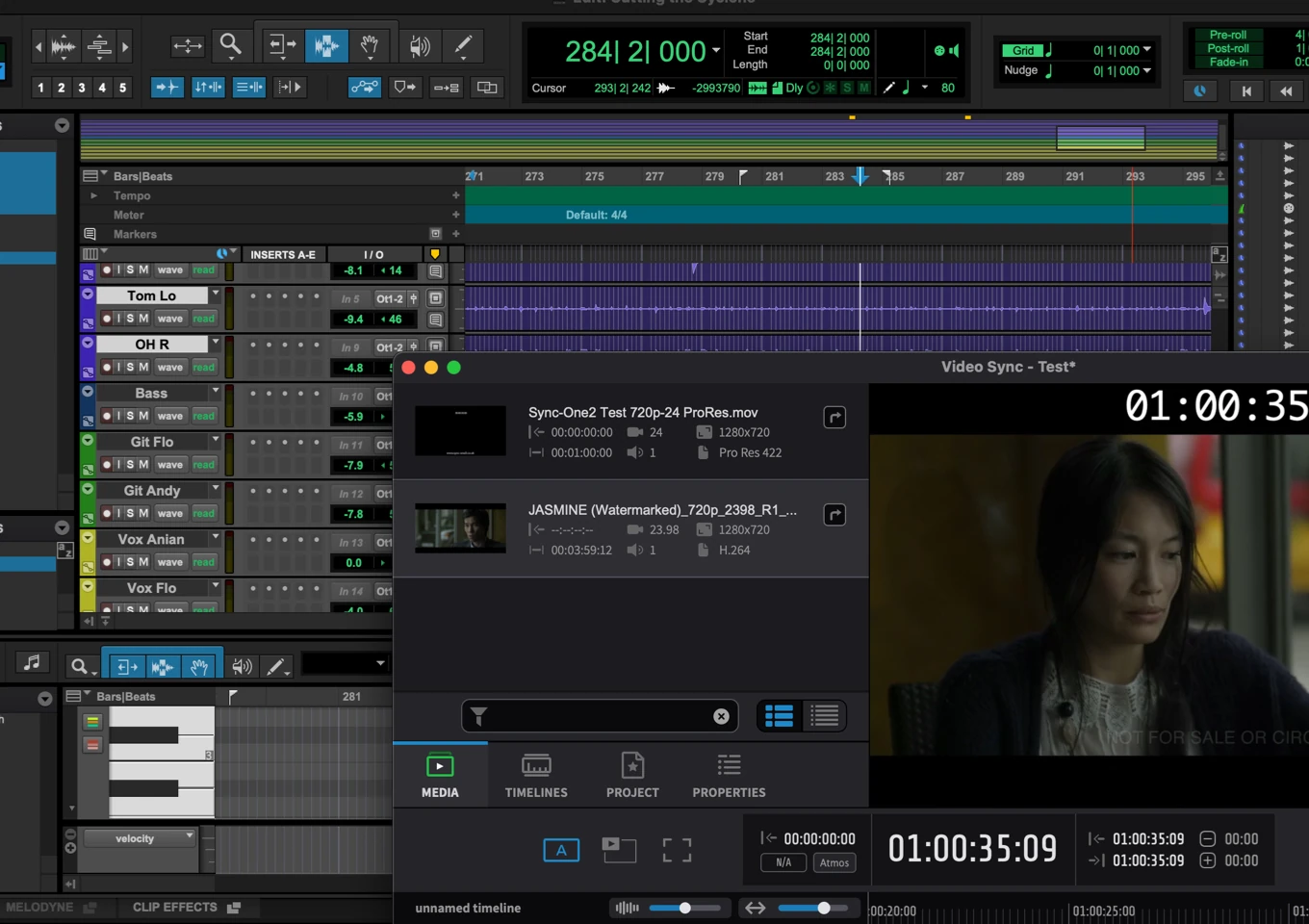
Video Sync 6 Interface
Works with
Pro Tools Logic Pro Cubase Ableton Live Digital Performer Bitwig Studio Reaper
DAW Synchronization
DAW Synchronization

Powerful Synchronized Video Playback

Video Sync ensures accurate video playback in sync with all major DAWs.
  • Offload video playback from your DAW to free up CPU resources
  • Sync with Pro Tools, Logic Pro, Nuendo, Cubase, Ableton Live, Bitwig, Studio One, Reaper and more
  • Avid Satellite Link support for Pro Tools HD and Ultimate
  • Playback in-window, in fullscreen, Mini Player Mode and through Blackmagic devices
Media Import
Media Import

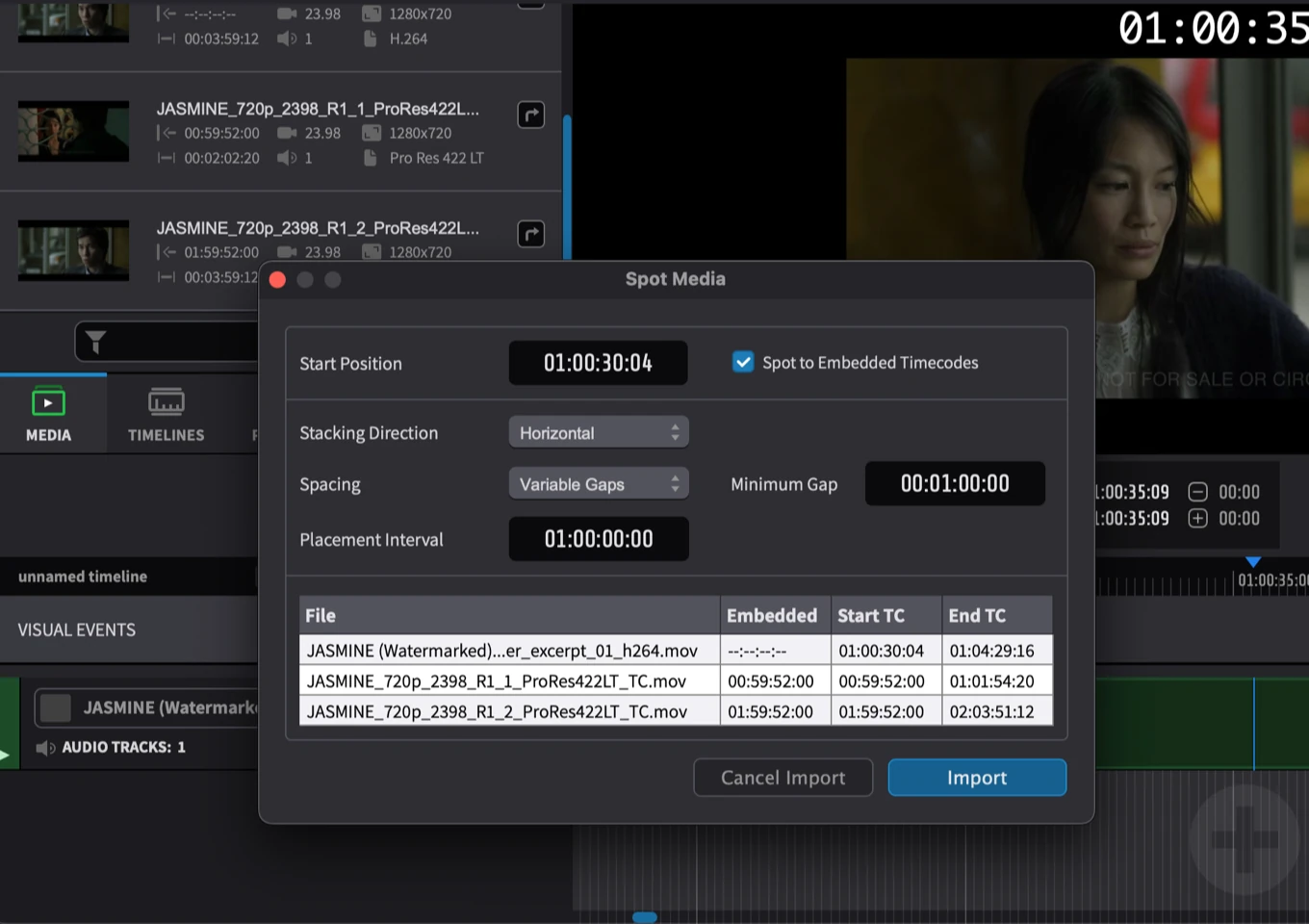
Spot Media — Set — Go!

Drop your video into Video Sync and start working immediately — no transcoding needed.
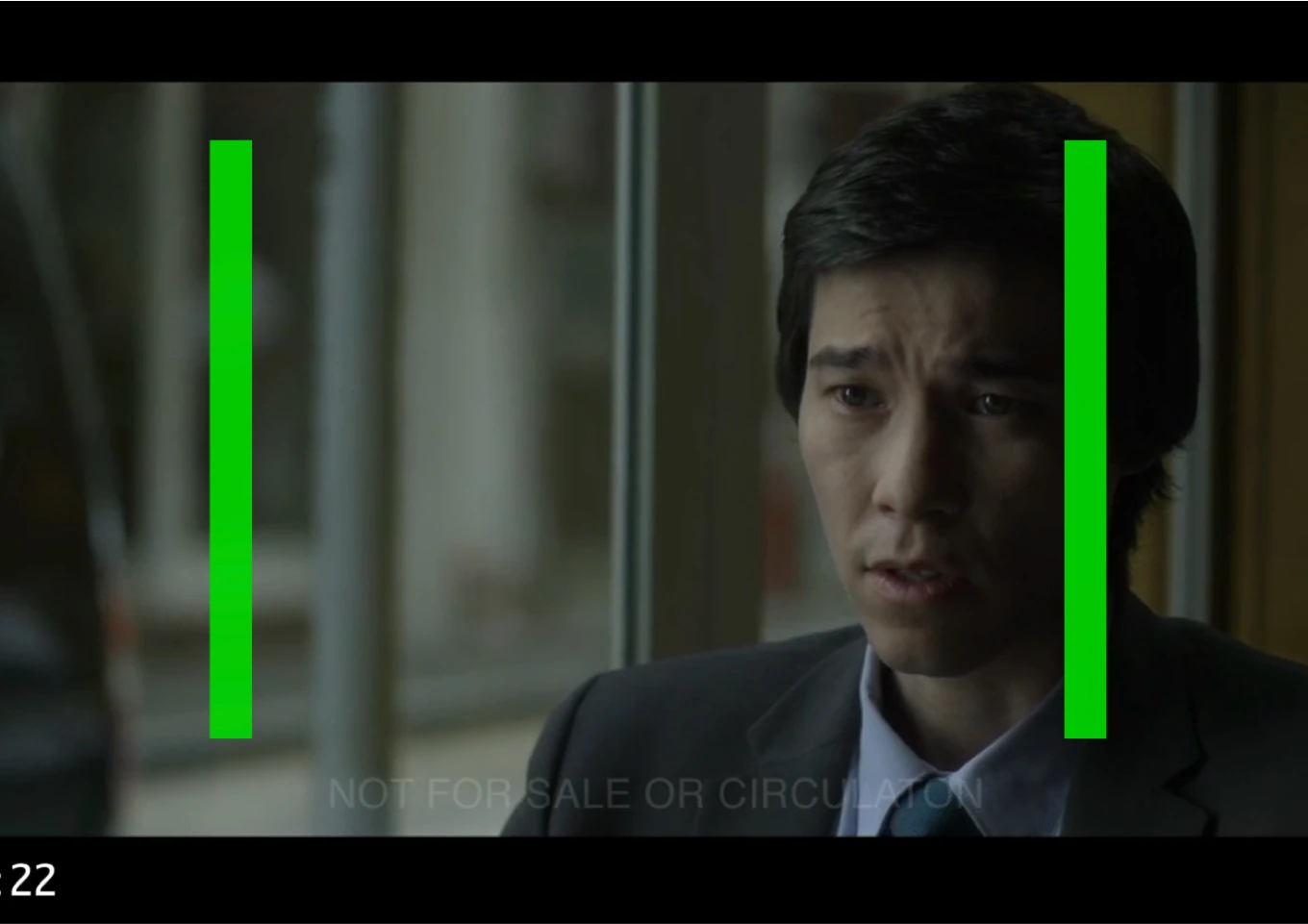
  • All commonly used codecs and containers supported
  • Bulk import for multiple video and audio files
  • Automatic timecode detection from embedded metadata
Visual Overlays
Visual Overlays

Enhance Your Video with Overlays

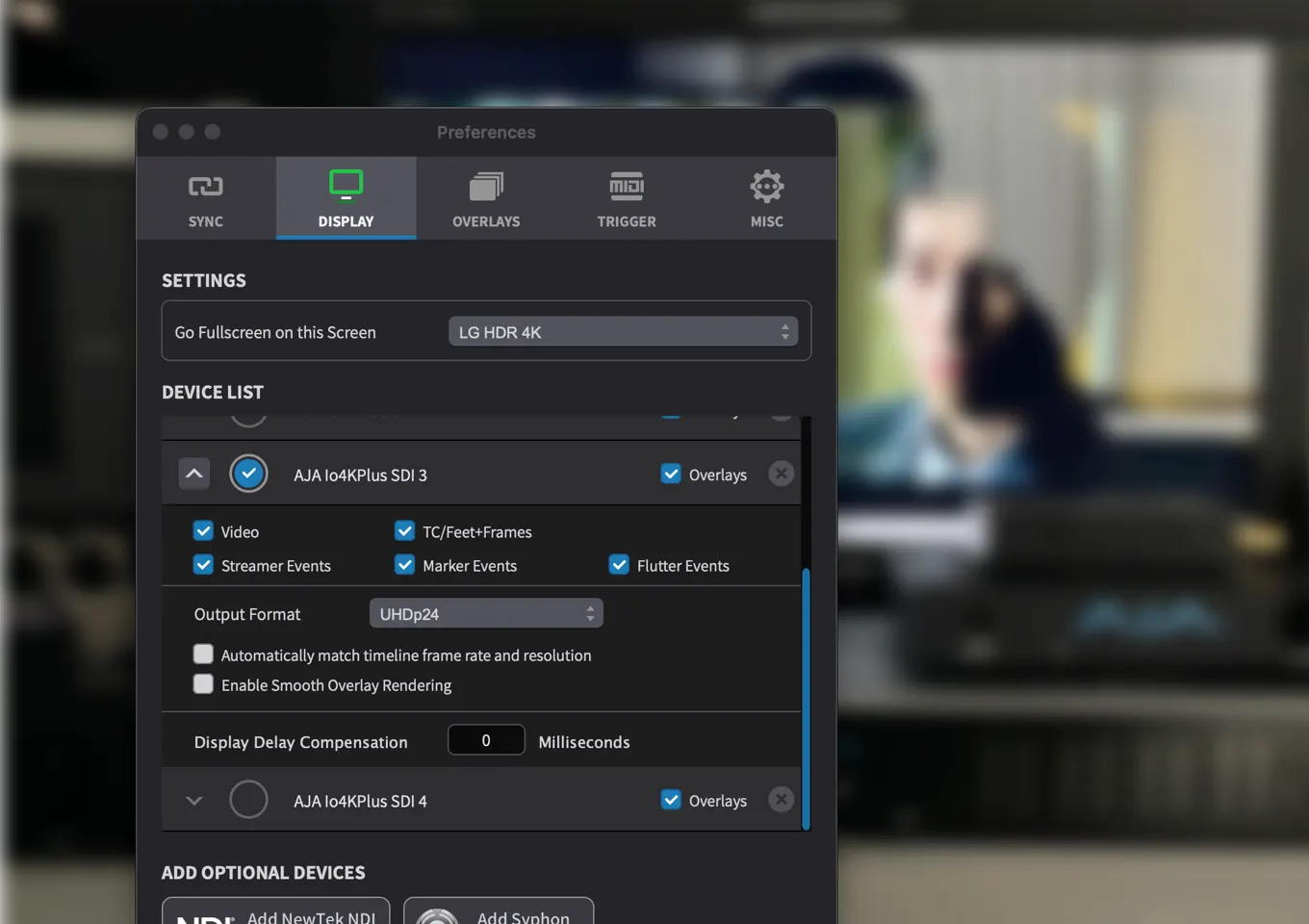
Add timecode displays, streamers, markers and custom visual cues directly over your video output.
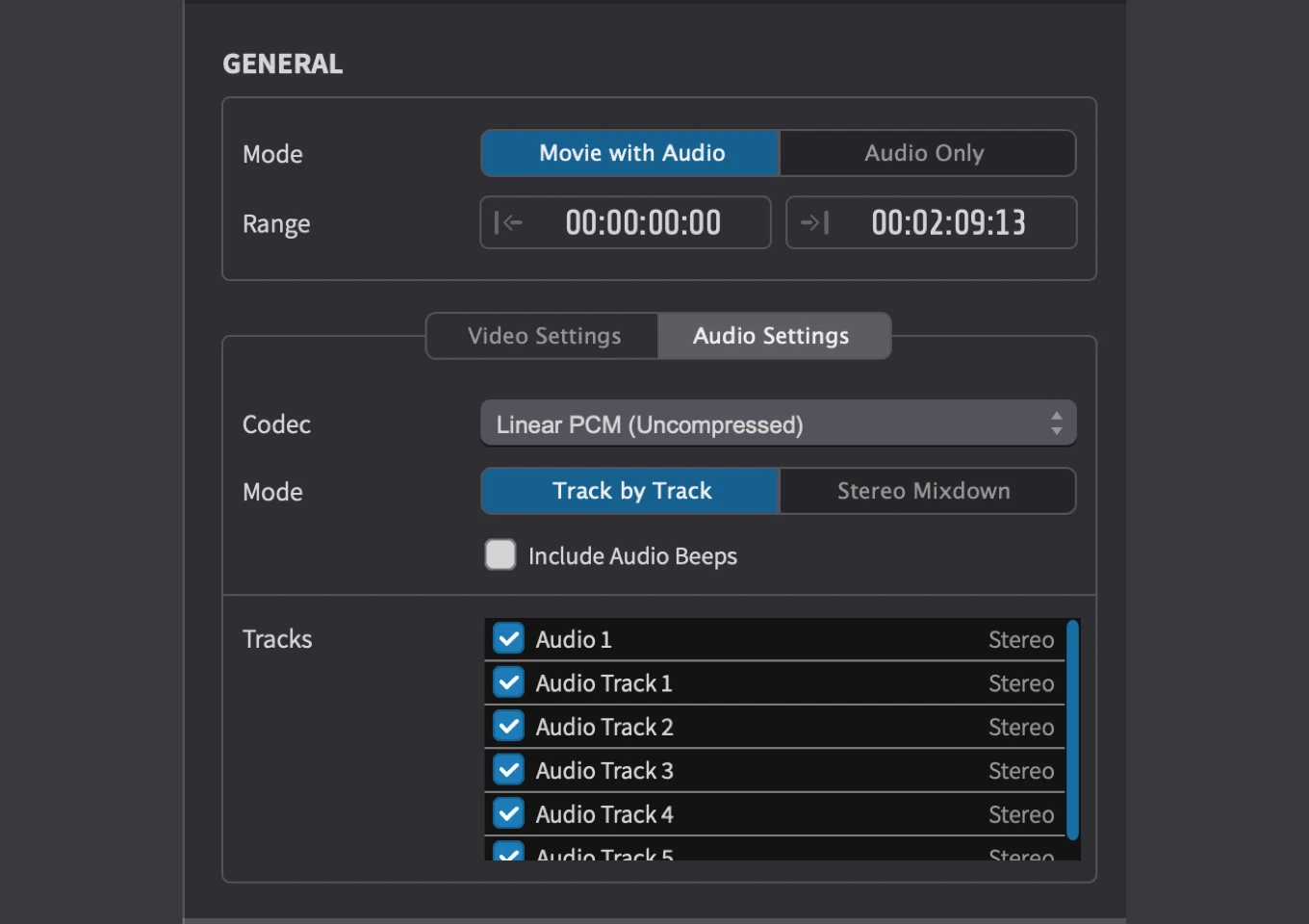
  • Static overlays: timecode, Feet and Frames
  • Dynamic timed Visual Events: Streamers, Flutters and Markers
  • Trigger Visual Events via MIDI from your DAW, keyboard or trigger pads
  • Fully customizable appearance and positioning
Easy Movie Exports
Export

Easy Movie Exports

Create movie excerpts with your music or export complete videos with programmed visual cues.

  • Export video with overlays superimposed
  • Include mixed audio or separate tracks
  • Choose from multiple video and audio codecs
  • Export based on timeline selection

You just want to load a picture, hit play in Pro Tools, and have the picture follow immediately. With Video Sync, that's been my experience from day one.

Jérémy Rodeschini — Senior Supervising Engineer, National Film & Television School
Multiple Video Outputs and Dual Playback
Advanced Playback Pro

Multiple Video Outputs & Dual Playback

Route your video to multiple screens and devices simultaneously — perfect for scoring stages, foley rooms and review sessions.

  • Output to AJA, Blackmagic Design and NDI devices
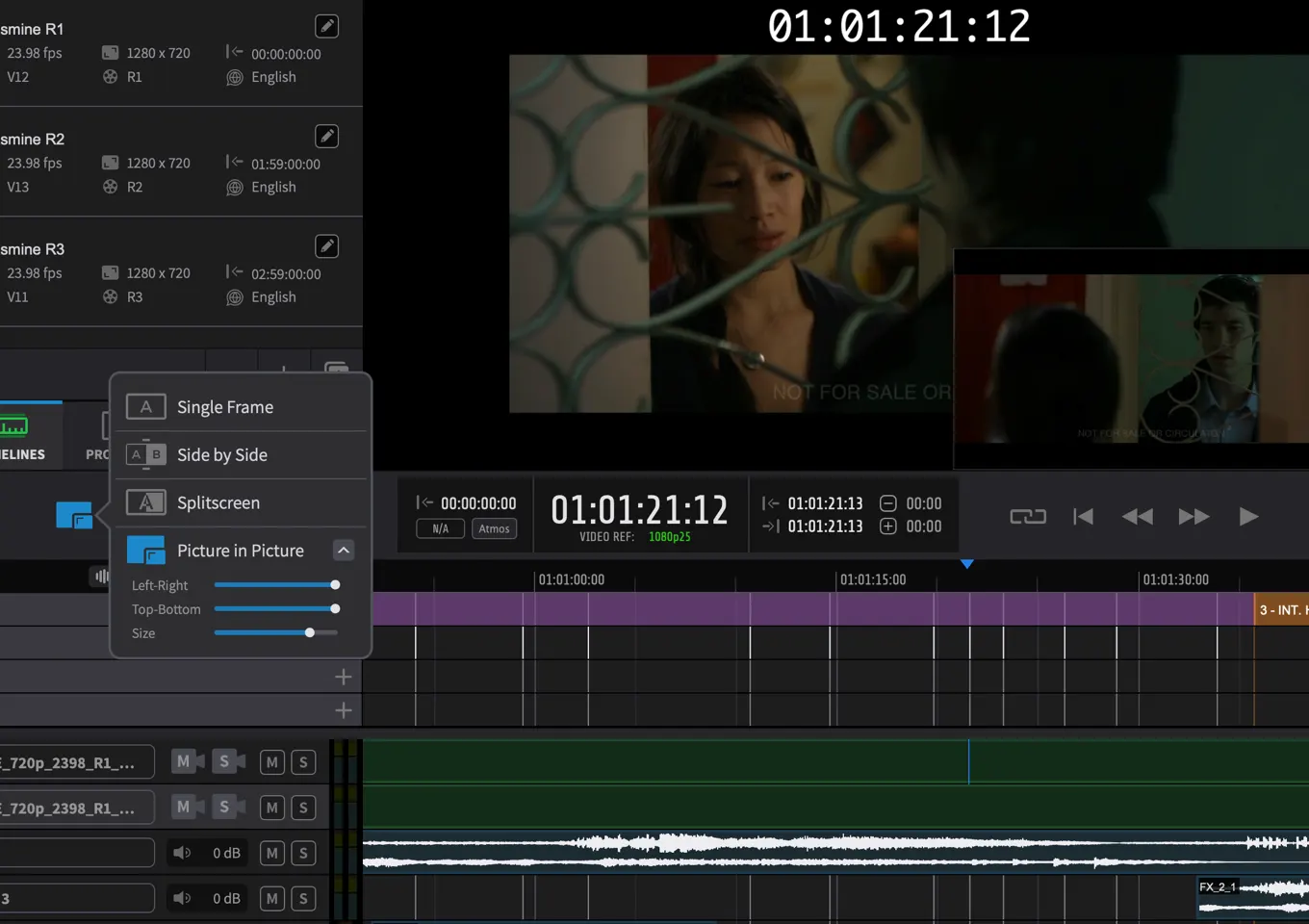
  • Dual playback modes: Picture-in-Picture, Side-by-Side, and Splitscreen
  • Individual Projection Delay Compensation per output
  • Compare picture cuts by playing back multiple video files side-by-side
Professional I/O
Professional I/O Pro

MXF Playback, 10-bit Rendering, Video Reference & HDR

Professional features for demanding post-production environments.

  • Native MXF container playback
  • 10-bit rendering pipeline with HDR10 and HLG support
  • Video Reference input for gen-locked synchronization
  • Syphon/Spout video output for inter-app routing

Try it out — it's easy. It's transparent, it's fluid, it's easy to figure out. We have way fewer crashes and way fewer delays waiting for video engine issues. We're really thrilled with it.
Laura Karpman — Emmy & Grammy-winning composer
Timelines
Timelines

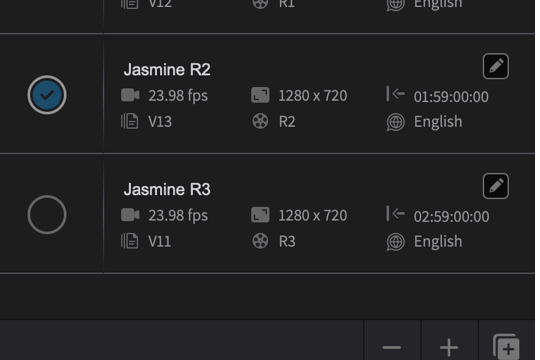
Organize your media across multiple timelines with independent video, audio, and marker tracks.
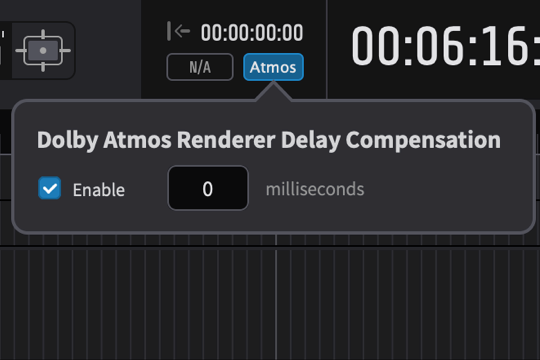
Dolby Atmos Renderer Delay Compensation
Dolby Atmos Delay Compensation

Automatically compensate for Dolby Atmos renderer latency to keep video perfectly in sync.
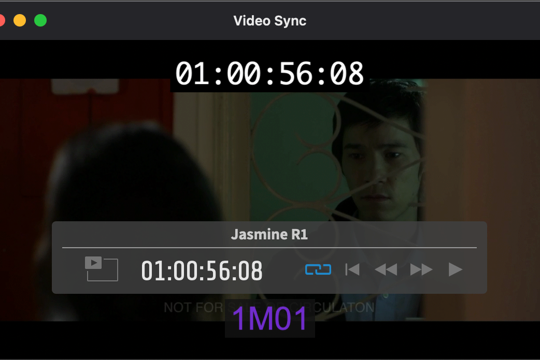
Mini Player Mode
Mini Player Mode

Minimize the app into a compact video window that can be kept always on top of your DAW.
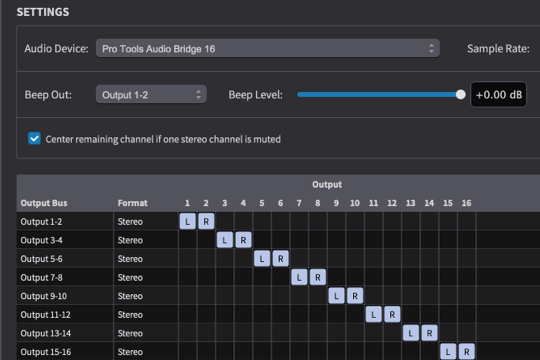
Flexible Audio Routing

Define output buses and set up flexible audio routing using your connected audio devices.
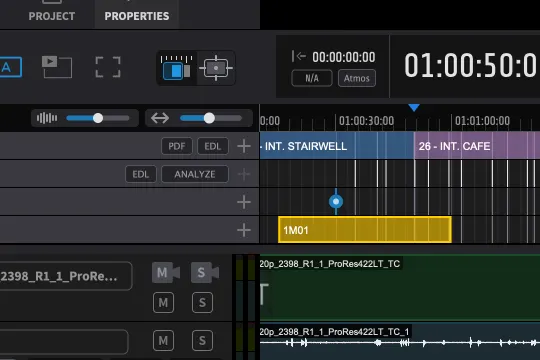
Scene & Shot Change Tracks
Scene & Shot Change Tracks Pro

Import shot changes and scenes from EDL/PDF or find shots from the video.
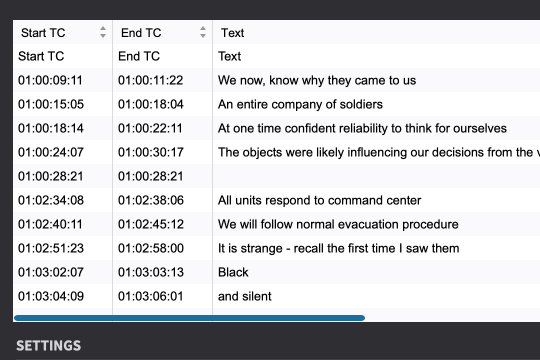
CSV & Subtitle Import
CSV & Subtitle Import Pro

Import visual events from CSV, SRT, and STL subtitle files for fast overlay setup.
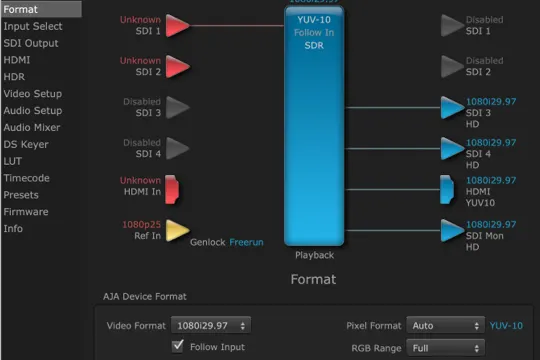
AJA & 4K Output
AJA & 4K Output Pro

Output to AJA and Blackmagic devices with resolutions up to 4K.
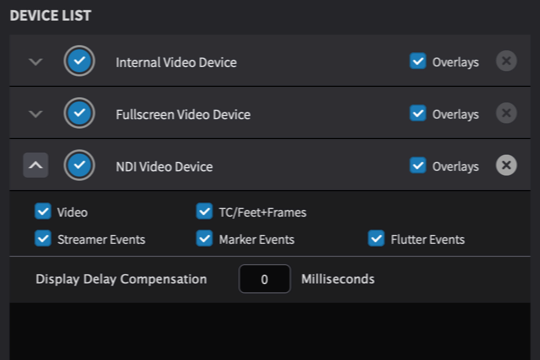
NDI Output
NDI Output Pro

Stream video over your network using the NDI protocol for flexible video-over-IP workflows.

Compare Editions

System Requirements

  Mac Windows
Supported OS macOS 10.15 Catalina and later Windows 10 22H2 or later, Windows 11 22H2 or later
CPU Intel i5 or greater, Apple Silicon M1 or greater Intel i5 (8th gen or later), AMD Ryzen
RAM 8 GB or more 8 GB or more
Graphics Metal compatible GPU AMD R or RX series and later or NVIDIA Series 700 and later

Purchase Options

Video Sync 6 Standard

Monthly

Subscription
 
Per month
Month-to-month, cancel anytime
Access to all updates and upgrades
Uses NLA's license system
Online activation/deactivation

Perpetual

License
 
One time purchase
Includes all 6.x updates
Discounted upgrade fees
Uses PACE license system
Machine or iLok licensing
Video Sync 6 Pro

Monthly

Subscription
 
Per month
Month-to-month, cancel anytime
Access to all updates and upgrades
Uses NLA's license system
Online activation/deactivation

Perpetual

License
 
One time purchase
Includes all 6.x updates
Discounted upgrade fees
Uses PACE license system
Machine or iLok licensing
Already own a previous version?

Upgrade to Video Sync 6 at a discounted rate from your account.

Go to My Licenses

Educational Discount

35% off for students and educators, custom pricing for institutions. Applies to perpetual licenses only.

Get in Touch
View eligibility details

Who qualifies?

Students currently enrolled at an educational institution (university, college, music academy, vocational school, or equivalent) in a program with a duration of at least 12 months. Short courses, weekend workshops, and bootcamp-style programs do not qualify.

Educators and staff currently employed at an educational institution whose primary purpose is education (not a corporate training arm). The role must be full-time and permanent or long-term — adjunct, part-time, contract, hourly, and guest lecturers do not qualify. Private tutors and self-employed teachers do not qualify.

Institutions — schools, universities, music academies, and similar institutions purchasing multiple licenses for classroom or facility-wide use. Institutional purchases are quote-based, with pricing tailored to quantity and scope. Contact us for a quote.

Required documents

Students must provide one of the following:

  • A valid student ID showing name, institution, and current term or expiration date
  • An official letter of enrollment that specifies the program duration

Educators must provide one of the following:

  • A link to the institution's official faculty or staff page listing the educator's name
  • An employment letter on institutional letterhead confirming the role and full-time, permanent or long-term employment status

Institutions must provide:

  • A purchase request from the institution itself, sent by a contact authorized to make procurement decisions

Applications submitted from commercial studio or production company email addresses will be declined. Personal addresses and institutional addresses (university, college, music academy, etc.) are both accepted.

How it works

Students and educators — send us your documents using the "Get in Touch" button above. After we verify eligibility, we will issue a single-use discount code for your purchase.

Institutions — contact us with your seat count and intended use. We will provide a custom quote and arrange license delivery directly with the institution.

Please note

  • Educational pricing applies to perpetual licenses only and does not apply to subscriptions
  • Cannot be combined with other offers or promotions
  • The 35% student/educator discount is limited to one license per product per person
  • We reserve the right to decline applications at our discretion

Try Video Sync 6 Free

Download the free demo and explore all features for 30 days.

What’s New in Video Sync 6

Windows Support

For the first time, Video Sync is available on Windows — expanding its reach beyond macOS to a whole new audience of composers and audio professionals.

Media Spotting Window

A new Spot Media window enables simultaneous spotting of multiple video or audio files with versatile playback and navigation options.

Simplified Sync Preferences

The SYNC Preferences have been redesigned to only show settings relevant to your DAW, making setup faster and less error-prone.

Pre/Post Roll & Scrubbing

New pre roll and post roll options for editing media boundaries, plus vastly improved audio scrubbing for much more accurate editing.

Knowledge Base & Tutorials

Everything you need to get started and master Video Sync 6.