
Display Setup
Introduction & Preparation
Cue Pro is able to display overlays directly on the video output in Pro Tools.
If you are using Avid®, Blackmagic and/or AJA hardware video devices, please start by ensuring that you have installed/connected the hardware according to the manufacturer's instructions, installed the latest driver software, & run the associated setup apps to confirm that the video outputs are displaying correctly on your external video monitor displays - independently of Pro Tools.
Please make sure that the Avid® Video Engine (AVE) is always enabled.
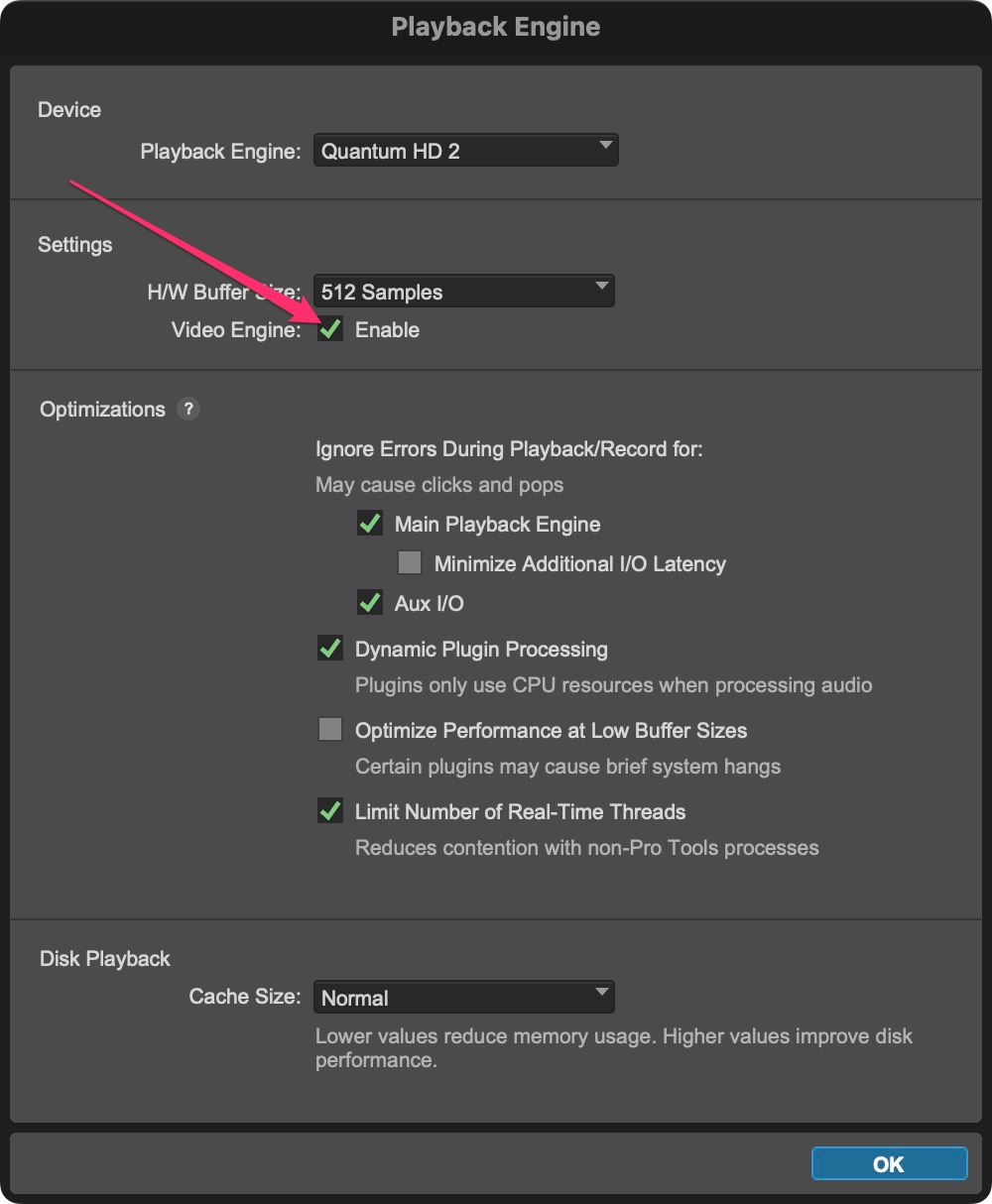 {width=50%}
Display Device List
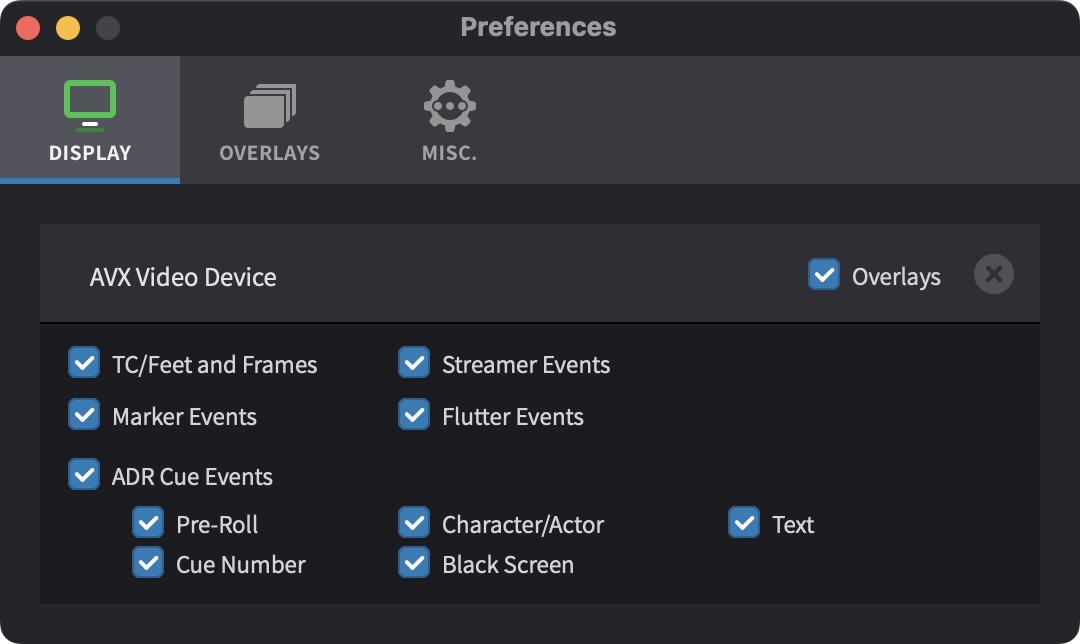
The Device List shows the AVX Video Device. Access the Device List from Cue Pro menu → Preferences / Settings → Display tab.**
 {width=60%}